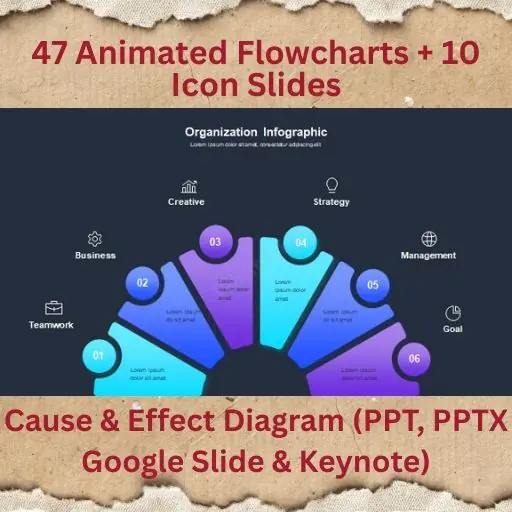
47 Animated Flowcharts + 10 Icon Slides | PowerPoint, Google Slides & Keynote (Light & Dark)
This is a process-clarity weapon, not a decorative slide pack.
47 Animated Flowcharts + 10 Icon Slides is a complete visual system for explaining processes, logic, workflows, and decisions—built for real business communication.
Every flowchart is animated to guide attention step-by-step, so people actually understand what you’re explaining instead of zoning out.
Light theme for reports.
Dark theme for screens & pitches.
Same structure. Same clarity.
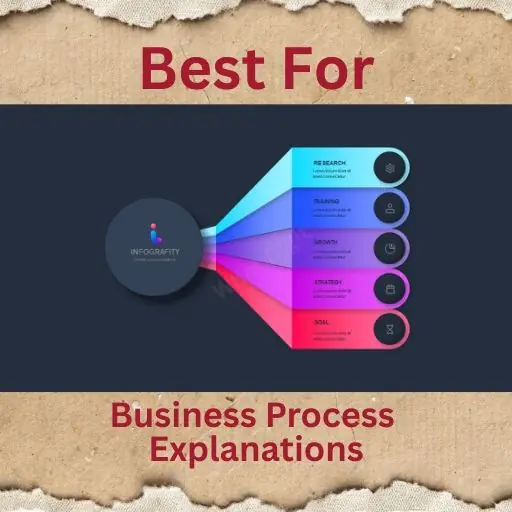
🎯 Best For
- Business process explanations
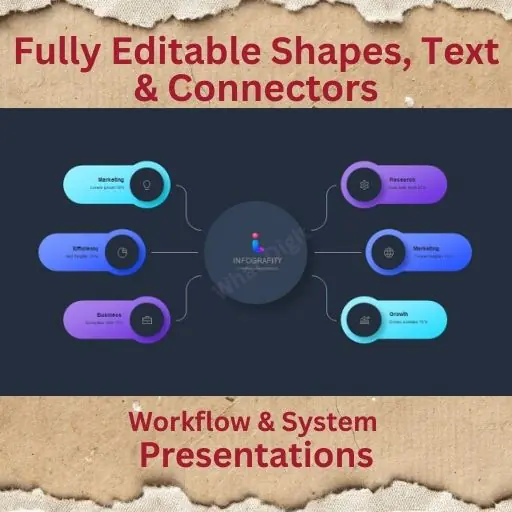
- Workflow & system presentations
- SOPs, operations & training decks
- Product flows & user journeys
- Strategy, planning & execution meetings
- Consultants, founders & internal teams
🚀 Key Features
- 47 professionally animated flowchart slides
- 10 dedicated icon slides (process & business icons)
- Light & Dark themes included
- Smooth, purposeful animations (not gimmicky)
- Clean, logic-first layout
- Fully editable shapes, text & connectors
- Strong visual hierarchy for decision flows
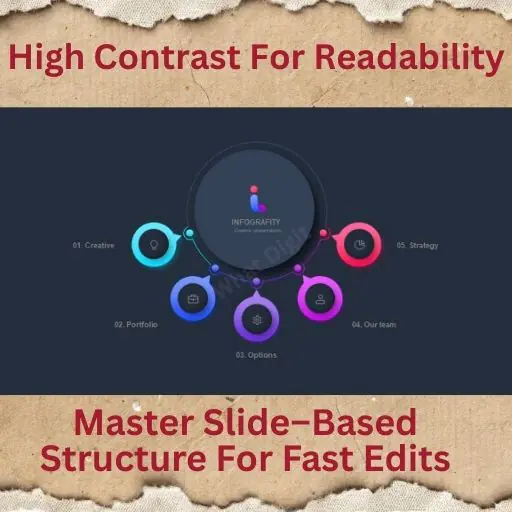
- Master slide–based structure
- High contrast for readability
- Full HD resolution
🔁 Flowchart Types Included
- Linear process flows
- Decision-based flowcharts
- Multi-branch logic diagrams
- Approval & review flows
- System & workflow diagrams
- Step-by-step execution flows
- Each flow is designed to explain, not decorate.
📦 Files Included
- PowerPoint .PPTX
- PowerPoint .PPT
- Google Slides
- Keynote
- Documentation file
✔ Cross-platform compatible
✔ Edit once, present anywhere
👥 Who Should Use This
- Operations & process managers
- Founders explaining systems
- Consultants mapping workflows
- Product & UX teams
- Trainers & educators
If you explain how something works, this saves you hours and prevents confusion.
📌 Important Notes
- Preview images are for demo purposes only
- No stock images included
- No plugins required
- All icons are vector-based
- Fully customizable colors & text
- Works smoothly on all supported platforms
📈 Mini Case Study (Practical Use)
- An internal ops team used this pack to document workflows:
- Reduced explanation time in meetings by 50%
- Created reusable SOP slides instead of rewriting docs
- Improved onboarding clarity for new hires
- This is the difference between talking about processes and showing them clearly.